Limit player access
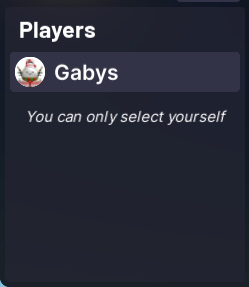
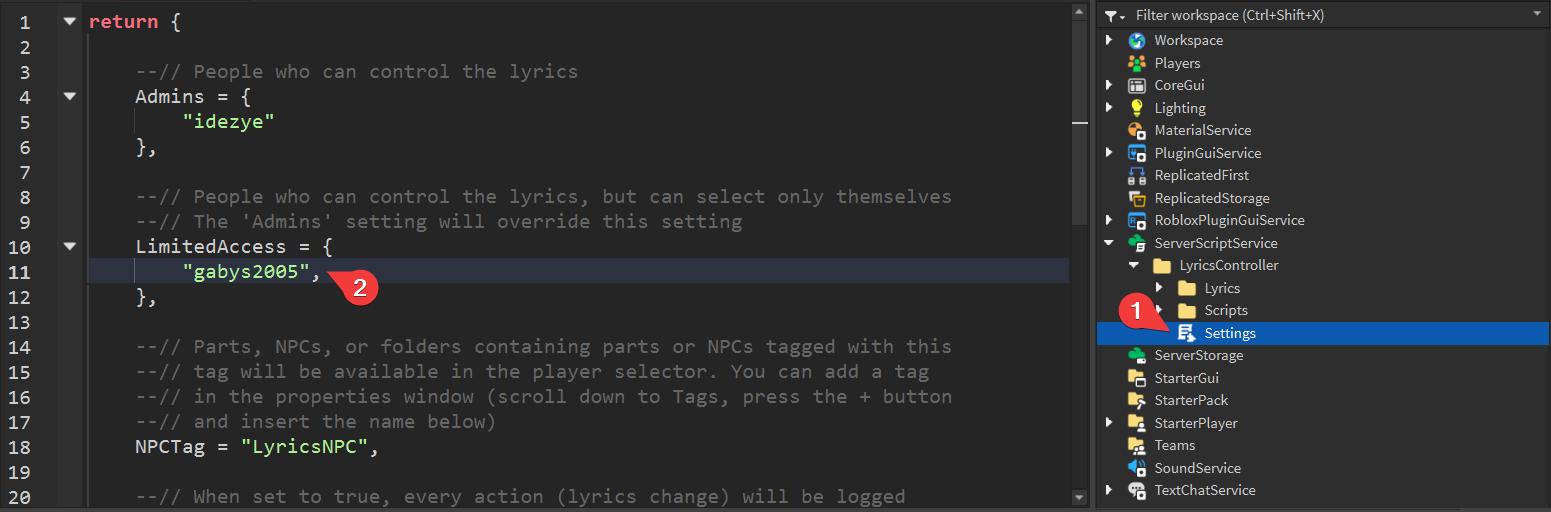
You can limit players to only be able to select themselves by moving them from the Admins list to the LimitedAccess list in the settings.
Open the Settings script and add the players you want to give limited access to the LimitedAccess setting. You can add the exact same things to this setting as to the Admins setting (usernames, user IDs, groups, gamepasses and teams).
info
The Admins setting has a higher priority than the LimitedAccess setting. This means that if a player is added to both, they'll get full access.
When a player has limited access, they'll see a message notifying them about it: